
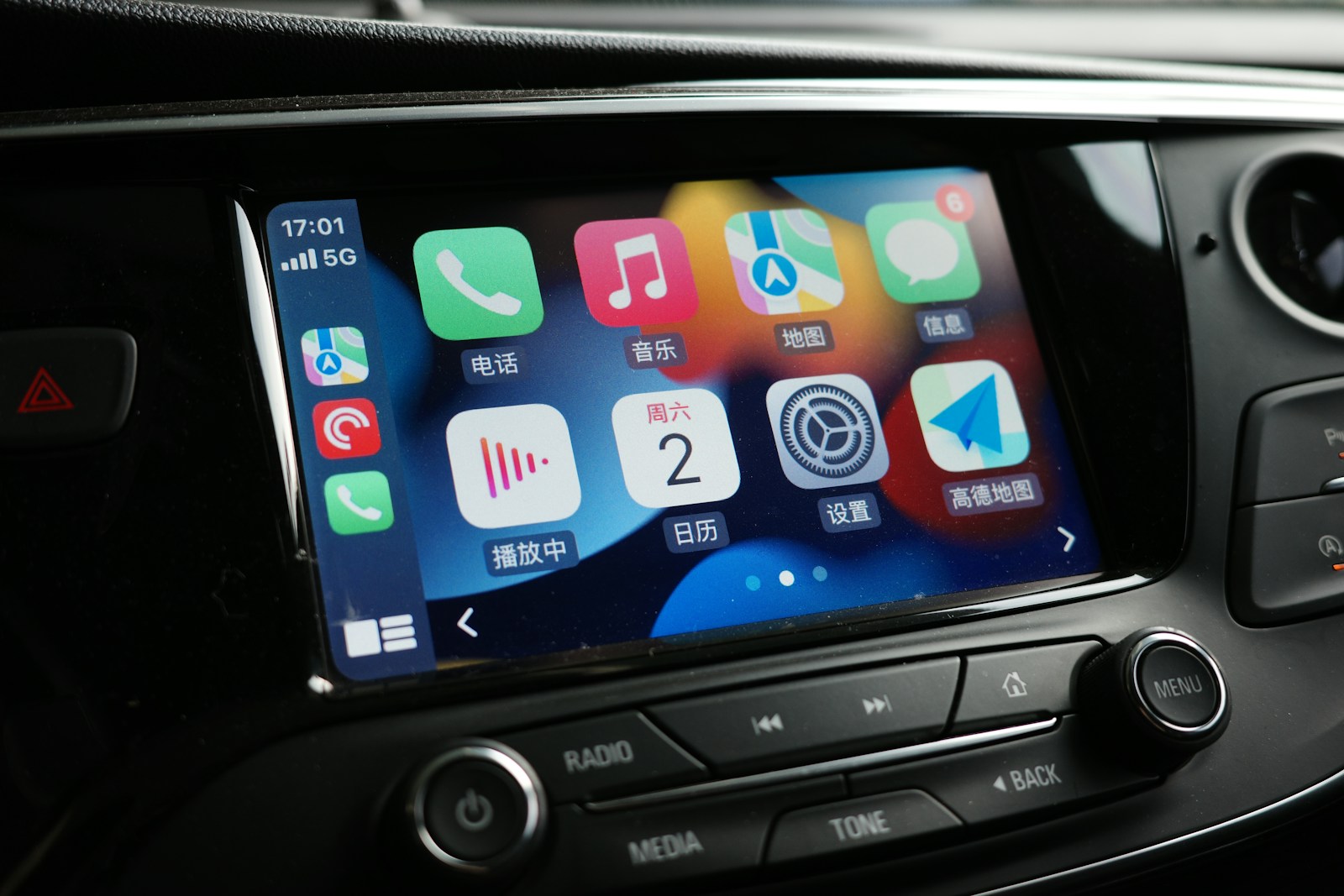

Wireless Apple CarPlay used to be a luxury feature reserved for the latest dashboards, but a new wave of plug-and-play adapters now gives older cars the same cable-free convenience. By plugging a small dongle into a vehicle’s existing USB CarPlay port, drivers can mirror their iPhone on the infotainment screen without ever taking the phone out of a pocket or bag. The result is a relatively cheap, low-effort upgrade that can make a 2016 commuter or a family minivan feel far closer to a brand-new model.
These adapters are not generic Bluetooth gadgets, but purpose-built bridges that talk to the car as if they were a wired iPhone while connecting wirelessly to the real phone in the driver’s hand. That simple trick unlocks navigation, music, calls, and messages through the familiar CarPlay interface, while keeping the cabin free of cables and clutter.
How Wireless CarPlay Adapters Actually Work
The core idea behind these devices is straightforward: they sit between the car’s USB port and the iPhone, pretending to be a wired phone on one side and a wireless receiver on the other. When the driver starts the engine, the adapter powers up, connects to the iPhone over Wi‑Fi and Bluetooth, and then passes CarPlay data to the head unit as if a Lightning cable were still plugged in. That is why most products stress that they only work in vehicles that already have factory wired CarPlay, a limitation that appears prominently in “Attention Before Purchasing” notices on product pages.
Once paired, the adapter usually reconnects automatically every time the car is started, so the driver only sees the familiar CarPlay home screen appear a few seconds after shifting into drive. Some models also support Android Auto, effectively turning the dongle into a dual‑platform bridge that can serve both iPhone and Android users in the same household. That dual support is highlighted in listings that describe “2‑in‑1 Wireless CarPlay & Android Auto” hardware as being Designed for drivers who want convenience without rewiring their dashboards.
The Plug-and-Play Promise
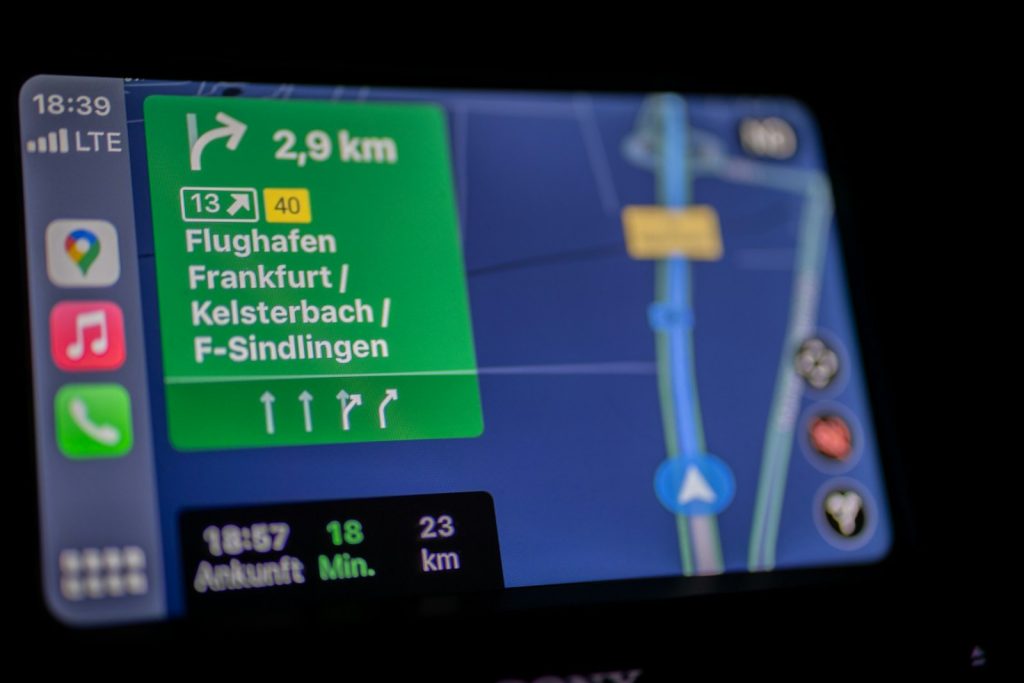
Ease of installation is the main selling point, and most adapters lean heavily on the phrase “plug and play” to signal that no tools or dealer visit is required. In practice, setup usually involves plugging the dongle into the existing USB CarPlay port, waiting for the on‑screen prompt, and then pairing the phone once through Bluetooth so the adapter can establish its own Wi‑Fi link. Product descriptions emphasize that the process is meant to be as simple as connecting a flash drive, with one Amazon listing explicitly marketing its dongle as a “Plug and Play” wireless CarPlay adapter that requires no extra apps or hidden menus.
Some brands go further by bundling short USB‑A and USB‑C cables, so the same device can move between different vehicles without fuss. That flexibility is particularly useful for families that share cars or for drivers who frequently rent or borrow vehicles with wired CarPlay. One compact dongle is marketed as being Designed for quick swaps between cars, promising no cables, no hassle, and an upgrade that can travel in a pocket.
Universal Compatibility and the Fine Print
Manufacturers often advertise “universal” support, but the reality is more nuanced, and the small print matters. A prominent example is the Carlinkit 2air, which is pitched as offering “Universal Compatibility Seamless” integration with OEM wired CarPlay and Android Auto systems. That phrase signals that the adapter is designed to plug into the original equipment manufacturer’s USB port, not an aftermarket screen, and that it can talk to both Apple and Android protocols without extra hardware.
Other listings echo the same caveat, stressing that these dongles do not add CarPlay to vehicles that never had it in the first place. One Canadian product page spells this out bluntly, noting that “Our wireless carplay adapter connects your phone to the car system without cables” but does not work with vehicles that do not support CarPlay at all. Buyers with older head units or basic audio systems still need a full aftermarket display, not just a dongle, which is why careful shoppers cross‑check their car’s model year and trim level before ordering.
Carlinkit and the Race to Be the Default Dongle
Among the growing field of adapters, Carlinkit has emerged as one of the most visible names, with multiple models aimed at slightly different use cases. A round‑up of wireless CarPlay hardware highlights the Carlinkit 2air as a leading option for drivers who “You Don Need New Car For Wireless Apple” because “These Adapters Make It Easy,” positioning Carlinkit as a go‑to brand for turning wired CarPlay into a wireless experience. That same coverage notes that the 2air can be managed through a browser‑based dashboard for firmware updates and settings, which helps keep the dongle compatible with new iOS releases.
The company has also pushed into ultra‑compact designs, marketing the CarlinKit Mini Ultra as “Mini Ultra” and “The Smallest Wireless Adapter” in its lineup. That model, along with the Carlinkit Mini and other variants, is pitched as a cleaner visual fit for minimalist dashboards, where a bulky dongle hanging from a USB port would be an eyesore. The brand’s catalog, laid out in a “Table of Contents” style guide, shows how quickly this niche has matured into a full product family.
Quad Lock, Magic Link and Other Notable Contenders
Carlinkit is not alone in chasing the wireless CarPlay upgrade market, and several other brands have carved out their own angles. Quad Lock, better known for phone mounts, now sells a compact dongle that promises to “Connect” to Apple CarPlay or Android Auto without cables, branding it as the Quad Lock Wireless CarPlay/Android Auto Adaptor. The company leans on its existing ecosystem, encouraging drivers to pair the adapter with its dashboard mounts so the phone can stay visible but unplugged.
Another entrant, sold under the Magic Link name, focuses on instant transformation of existing systems. Marketing copy promises to “Instantly turn your wired Apple CarPlay and/or Android Auto wireless,” promising that drivers can “Connect the Magic Link” to any iPhone or Android and never plug in again. A parallel listing repeats that pitch, again stressing that it works with both Apple and Android Auto, and that users can “Connect the Magic Link” with “Android and” iOS devices alike, which is a key selling point for mixed‑platform households.
What Reviewers Say About Real-World Performance
Independent testing has become crucial as the market fills with near‑identical black boxes, and some patterns are starting to emerge. A detailed comparison of wireless adapters for CarPlay and Android Auto lists “Our Top Tested Picks” and calls out specific strengths, such as the Ottocast U2‑Air being “Best for People Who Share” a car. That same guide notes that the Ottocast Air unit can be found for $39.80 at Amazon, underscoring how quickly prices have fallen from early‑adopter levels to something closer to an impulse upgrade.
Other reviewers focus on stability and boot times, since even a few seconds of lag can sour the experience when pulling out of a driveway. Some adapters are praised for reconnecting almost instantly after the engine starts, while others are criticized for occasional dropouts or for needing manual reconnection after a phone update. A separate buyer’s guide framed around the idea that “Aug” is a good time to reassess in‑car tech argues that “You Don Need New Car For Wireless Apple” when “These Adapters Make It Easy,” highlighting 5 of the best wireless Apple Car Play adapters and reinforcing that the best units now feel nearly as seamless as factory wireless systems.
Shopping Smart: Data, Listings and Hidden Gotchas
Sorting through dozens of nearly identical product names can be confusing, which is why shoppers increasingly rely on aggregated information rather than a single listing. Behind the scenes, Google’s Shopping Graph pulls in Product information from brands, stores and other content providers, then surfaces key specs like CarPlay support, Android Auto compatibility and vehicle fitment. That aggregation helps buyers filter for dongles that explicitly mention OEM wired CarPlay, rather than generic Bluetooth receivers that will not deliver the full on‑screen interface.
Individual listings still require careful reading, especially around compatibility and software support. One Amazon page, labeled “Product Summary,” describes a Wireless CarPlay Adapter for Apple iPhone that “Converts Factory Wired” CarPlay to wireless, promises “Quick Setup” and “Auto” reconnect, and specifies support for vehicles from 2015 and iOS10 in a Metallic Brushed Blue finish. Another listing for the Carlinkit 2air repeats the phrase “Universal Compatibility Seamless” with OEM wired CarPlay and Android Auto, which is reassuring for owners of multiple vehicles but still does not override the need to confirm that each car actually has the right USB‑based system.
Safety, Convenience and the Case Against Cables
For many drivers, the appeal of wireless CarPlay is less about novelty and more about reducing distraction. With a dongle handling the connection, there is no need to fumble for a cable at a stoplight or lean across the cabin to plug in a phone, which can be especially helpful in taller vehicles and crowded city traffic. One Canadian listing notes that “Important Note” warnings are still necessary to set expectations, but it also stresses that automatic connection lets drivers “say goodbye to wired bondage,” a blunt phrase that captures how annoying cable management can be in daily use.
There are trade‑offs, particularly around charging and battery life, since a phone that is no longer tethered to a USB port will need wireless charging or more frequent top‑ups. Some brands, such as Quad Lock, implicitly address this by pairing their dongles with mounts that support wireless charging, while others simply assume that drivers will keep a cable handy for longer trips. Even so, the ability to leave the phone in a pocket and still get full CarPlay access remains a strong argument for these adapters, especially for commuters who hop in and out of the car multiple times a day.
Who Should Upgrade and What to Watch Next
The sweet spot for these plug‑in adapters is clear: drivers with cars from roughly the mid‑2010s onward that already have wired CarPlay, but not the newer wireless version. For them, a small dongle can deliver a major quality‑of‑life upgrade at a fraction of the cost of a new head unit or a new vehicle. Guides that round up the “Best Wireless CarPlay Adapter 2025” and similar lists make it easier to match specific models, such as the Mini Ultra or Carlinkit Mini, to different dashboards and aesthetic preferences.
Looking ahead, the line between factory and aftermarket solutions is likely to blur further as more automakers bake wireless CarPlay and Android Auto into new models. Until that transition is complete, though, adapters that promise to “Connect the Magic Link” or deliver “Universal Compatibility Seamless” support will continue to appeal to drivers who want modern connectivity without a new‑car payment. For now, the most important step is still the simplest: confirm that the car already has wired CarPlay, read the compatibility notes closely, and then choose the adapter whose promises line up with the realities of the daily commute.
More from Wilder Media Group: