

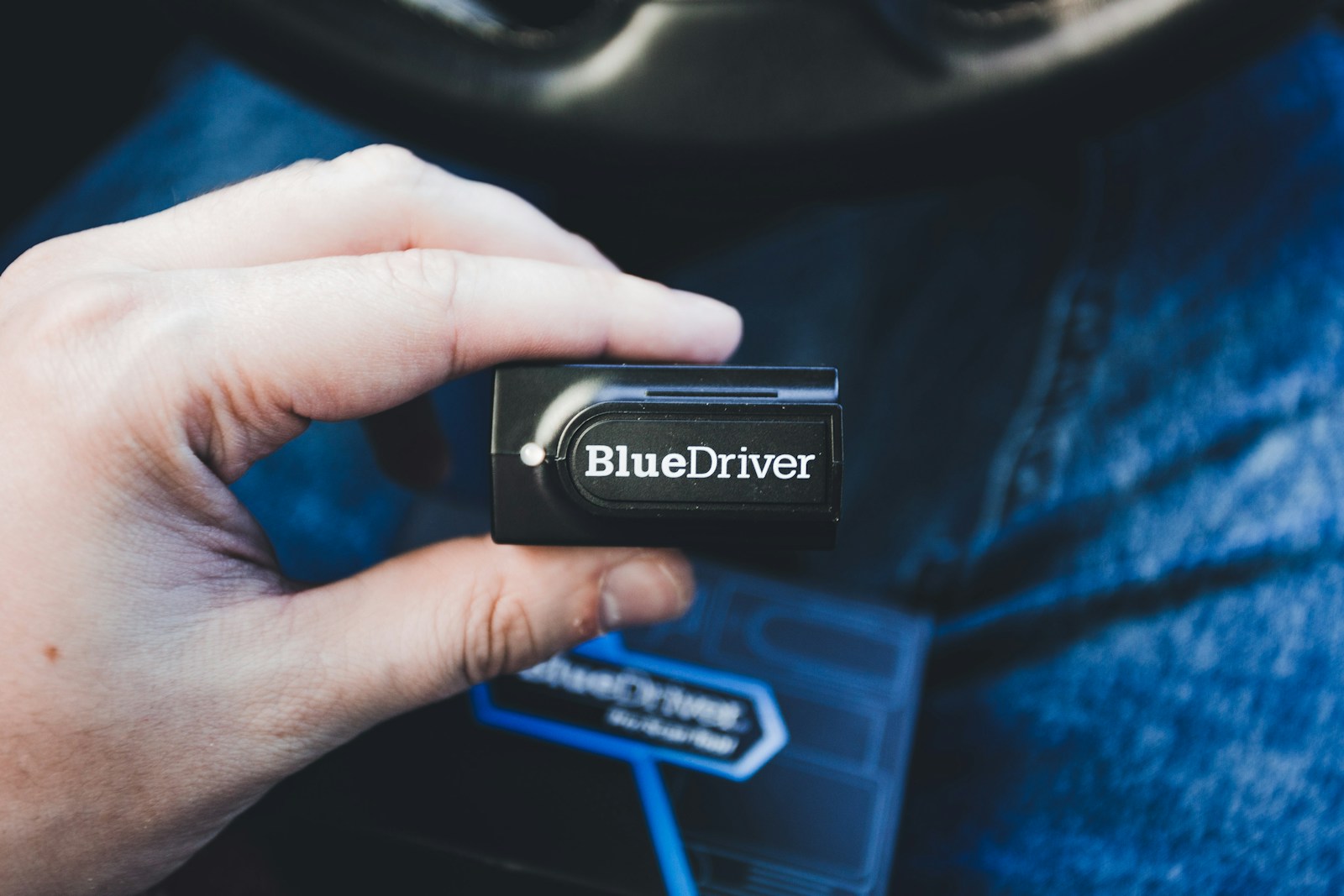
OBD-II scanners promise to demystify a check engine light without a trip to the shop, but the budget end of this market runs on one piece of hardware, the ELM327 chip, and on copies of it. How well a given device implements that design varies enormously. Two scanners that look nearly identical and cost about the same can produce very different levels of accuracy and reliability.
Forums dedicated to specific diagnostic software, including the FORScan forum’s ongoing thread on ELM327 clone problems, have tracked this gap for years. Here are eight problems worth understanding before you plug one into your car.
Low-Cost ELM327 Clones With Firmware Inaccuracies
The FORScan thread exists because so many budget adapters do not behave like the chip they claim to contain. Clones often misreport their own firmware version. Elm Electronics, the original maker, never released a v1.5, yet that number shows up on many cheap adapters. Copies of the ELM327 may report a current or even nonexistent version while offering only the functions of the older v1.4, including its bugs. In practice, software that sends a newer command gets no answer or a wrong one, and incomplete or inaccurate readings can send a driver chasing the wrong problem entirely. This isn’t a single brand’s issue. It is a pattern among the cheapest Bluetooth and Wi-Fi adapters sold under rotating names on major marketplaces. Before diagnosing a real problem with one, check that specific adapter against the compatibility list kept by the app you plan to use. Do not assume every device labeled ELM327 works the same way.
Bluetooth Adapters That Drop Connection Mid-Scan
Budget Bluetooth OBD adapters are often reported losing their connection to a paired phone or laptop partway through a scan, sometimes requiring a full re-pairing to reconnect. That is most frustrating when you have cleared a code and want to confirm the fix held. Verification takes time. The car’s computer has to rerun its self-tests, and a drive cycle that completes them can include highway driving, stop-and-go traffic and letting the engine cool completely between trips, according to Oregon’s vehicle inspection program. An adapter that keeps disconnecting makes it hard to watch those readiness monitors finish. Before blaming the hardware, keep the scan app open on screen, turn off battery-saving settings for it and disconnect other Bluetooth devices competing for the phone. If the drops continue, a wired USB adapter is less convenient but avoids the issue, since it does not depend on a wireless link holding steady through the whole session.
Scanners With Generic Code Definitions That Miss Manufacturer-Specific Details
Standard OBD-II covers a set of generic trouble codes shared across all manufacturers, but many faults set manufacturer-specific codes that a basic scanner either can’t read or displays with no description. That leaves a driver with a code number and no real explanation. Even a correct generic definition has limits. A code names the circuit or system that failed a self-test, not the part to replace, so treat it as a starting point for diagnosis and not a shopping list. Know when to stop reading codes, too. A flashing check engine light indicates severe engine misfire, and EPA guidance is to reduce speed and seek service as soon as possible because misfire can damage the catalytic converter. For everyday use, a scanner that advertises enhanced coverage for your vehicle’s make, and not generic coverage alone, gives meaningfully more diagnostic detail for the money. Confirm that coverage for your exact model and year before buying.
Adapters That Can Interfere With a Vehicle’s Onboard Modules
A plug-in adapter is not a passive listener. It sends requests onto the same data network the car’s control modules use to talk to each other, so a poorly made one deserves more caution than a gauge that simply reads wrong. Owners on enthusiast forums, including the FORScan thread on clone problems, describe low-quality adapters behaving unpredictably with certain vehicles. The exposure is greatest when software writes to a module, such as changing a configuration setting or running a service procedure. An adapter that drops out in the middle of a write can leave a module needing professional recovery. Keep a cheap, unproven adapter to reading codes and viewing data, and save any programming for hardware the software maker recommends. Unplug the adapter when you finish, since one left in the port can keep drawing power from the battery. Choosing adapters with an established track record on forums for your vehicle’s diagnostic software reduces the risk considerably.
Scanners Bundled With Apps That Require Ongoing Subscription Fees
Some budget scanner hardware is sold at an attractively low price because the companion app locks meaningful features, like live data streaming or manufacturer-specific code reading, behind a recurring fee that buyers discover only after purchase. The hardware price then covers little more than basic code reading. Do the checking before you order. Open the app’s listing in the app store and look at the in-app purchases section, which shows whether subscriptions exist and roughly what they cost. Find out whether a fee is charged per year or per vehicle, since a household with three cars can pay three times. Check whether features already unlocked stay available if you stop paying. It also helps to know whether the adapter works with third-party apps or only with its own, because a locked adapter becomes useless if the app is abandoned. A scanner that costs more up front but includes its full feature set can be cheaper over a few years.
Devices With No Firmware Update Path
Diagnostic protocols and manufacturer-specific code libraries are updated periodically, and a scanner with no clear firmware or software update mechanism becomes less useful over time as newer vehicles introduce parameters it was never built to recognize. The clone problem makes this worse. Elm Electronics, the company behind the original ELM327, announced in 2020 that it would close in 2022, so a generic adapter carrying that name today gets whatever support its actual manufacturer chooses to provide, which is often none. Before buying, look for a support page with dated firmware releases and an app with recent updates in its version history. For a handheld scanner, check how updates are delivered, whether by Wi-Fi, a USB cable or a memory card, and whether they stay free after the first year. Scanners from manufacturers with an established update history and ongoing support are a safer long-term investment than a one-time budget purchase with no update path at all.
Scanners That Misreport Live Data Readings Under Load
Some budget scanners read basic trouble codes reasonably well but struggle to display live data, such as oxygen sensor voltage or fuel trim values, under real driving conditions. They can lag or freeze during exactly the kind of load testing a more advanced diagnosis requires. Part of this is how the system works. The scanner has to request each value from the car in turn, so the more parameters you display at once, the slower each one refreshes, and a slow adapter widens that gap. A quick spike in a sensor reading can fall between samples and never appear on screen. Cut the display down to the three or four values that matter for the problem you are chasing, and record the session so you can review it afterward without watching the phone while driving. For basic check-engine-light code reading, this limitation may not matter much. Anyone diagnosing a subtle performance issue needs a scanner confirmed for reliable real-time data.
Devices Sold Without Clear Vehicle Protocol Compatibility Information
Vehicles use different underlying communication protocols depending on model year and manufacturer, and some budget scanner listings don’t clearly say which ones they support. Buyers end up with a device that can’t establish a connection with their vehicle at all. There are five OBD-II protocols: J1850 PWM, J1850 VPW, ISO 9141-2, ISO 14230-4 and the newer CAN-based ISO 15765-4. Cars and light trucks built for sale in the United States after 1996 are required to be OBD-II compliant, and from model year 2008 on, all of them use CAN. That means an older vehicle is where compatibility trouble is most likely, because it may rely on one of the four earlier protocols, which a cut-rate adapter may handle poorly or skip. A listing that says only “works on all cars” tells you nothing. Check a scanner’s protocol support against your vehicle’s year, make and model before buying.