

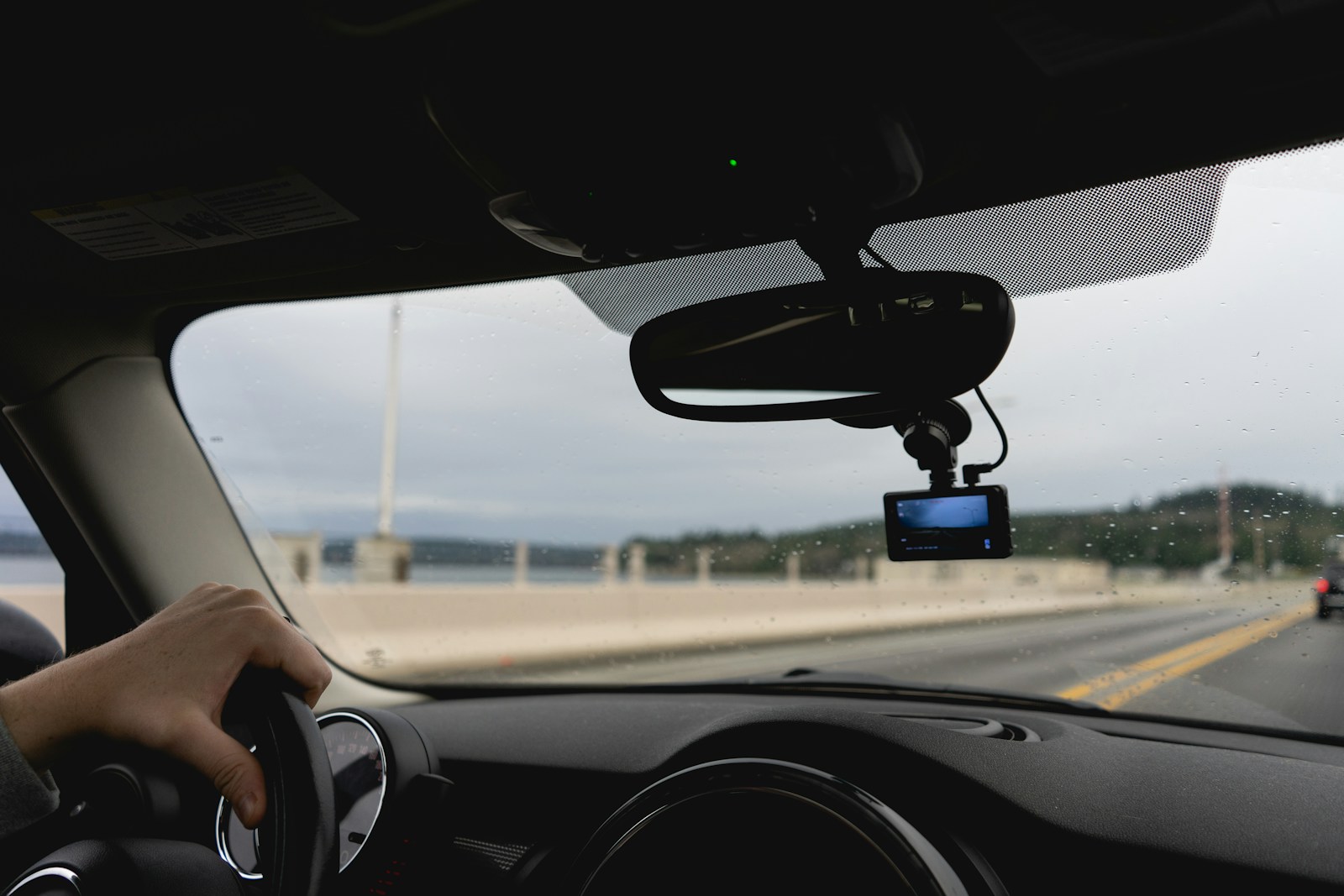
A dash cam is one of those purchases you hope you never actually need to rely on, right up until the moment you desperately do. That makes reliability the single most important spec in the category, more than resolution or night-vision performance, because a dash cam that fails silently in the background is worse than no dash cam at all, since it gives a false sense of security.
Forum communities like DashCamTalk have spent years cataloging where dash cams tend to fail, and members there name memory card trouble as the most common culprit. Here are six problems worth understanding before you’re the one digging through a memory card after an incident.
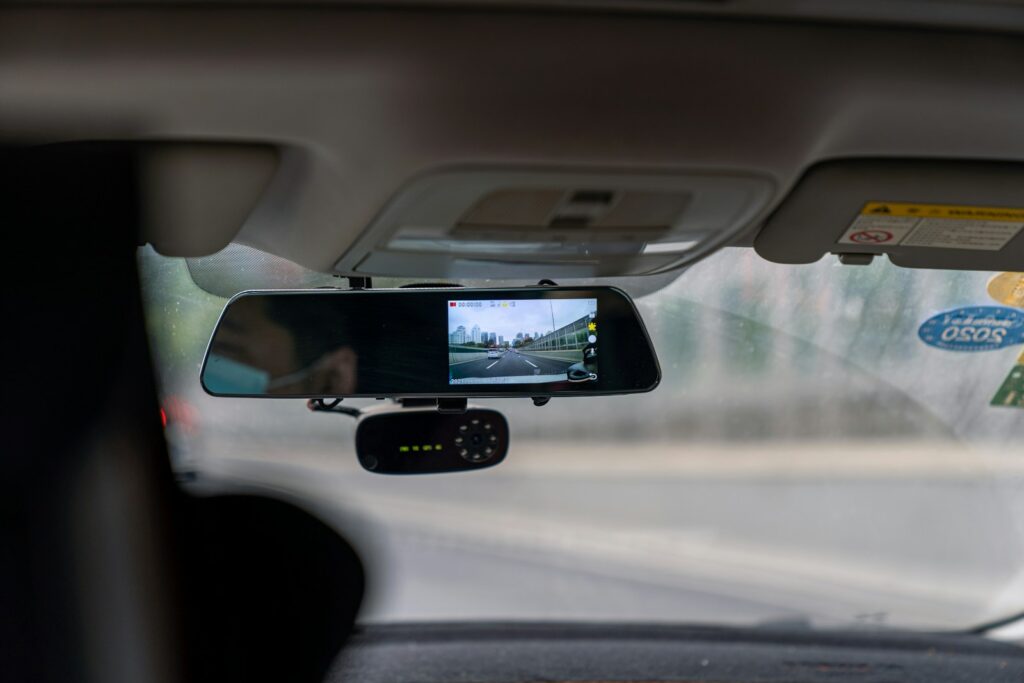
SD Card Corruption From Constant Overwrite Cycles
Dash cams that record in a loop are constantly overwriting the oldest footage on the memory card, a write-heavy workload that standard consumer cards aren’t built to handle over months of daily use. Dash cam maker Nextbase says a camera needs a high-endurance U3 card with a minimum write speed of 30MB/s, and warns that unsuitable cards can cause freezing, missing footage and gaps in recordings. It also recommends formatting the card every three to four weeks, or every two to three for heavy users. Corruption isn’t always the card’s fault, either. In one DashCamTalk thread about a corrupted SD card, an owner lost files from a high-endurance card with no format warning from the camera, and the cause turned out to be the card reader bundled with it. Members’ advice there: reformat the card in the camera any time it has been used in another device. Beyond that, replace the card proactively every year or two rather than waiting for a failure.
Cameras That Silently Stop Recording Without an Alert
A common worry with dash cams is a unit that stops recording, whether from a card error, overheating, or a software glitch, without any clear indication to the driver. Since drivers rarely check footage until after an incident, a silent failure can go unnoticed for weeks. Models with a visible status light, an audible alert, or a companion app that confirms active recording are a safer choice than a bare-bones unit with no feedback at all. Feedback only helps if you look for it, though. Learn what your camera’s recording indicator looks like and glance at it when you start the car, the same way you’d check a fuel gauge. Leave the startup chime and error beeps turned on. Then build in a manual check: once a month, pull up the most recent clip and confirm the date, time and picture are right. Do the same after a firmware update, a battery disconnect, or a windshield replacement, since those are the moments settings and mounts get disturbed.
Cheap Cameras With Poor Low-Light and Night Performance
Many nighttime incidents, from collisions to hit-and-runs where a license plate matters, depend on a dash cam’s actual low-light performance, not its advertised resolution. A camera can advertise a high resolution and still produce footage too dark or grainy to make out a plate at night, because resolution and sensor sensitivity are separate things that budget cameras often don’t deliver together. The sensor is the part to research. Sony, for example, describes its STARVIS back-illuminated pixel technology as developed specifically for security camera image sensors, with a stated minimum sensitivity and high image quality in both visible and near-infrared light, and many dash cam makers name the sensor on the spec sheet. A listing that gives only a resolution and says nothing about the sensor deserves some suspicion. Then check independent nighttime sample footage rather than the maker’s promo clips. Look for whether plates stay readable under headlight glare and on unlit streets, the two conditions where weak cameras fall apart.
Units With Heat-Sensitive Batteries That Fail in Parked Cars
Cheaper dash cams frequently use a small lithium-ion battery, and those degrade quickly under the heat a parked car’s dashboard can reach in direct sun. One DashCamTalk member reports losing two cameras to lithium-ion battery failure, which is a real risk for anyone counting on a camera to capture parking lot hit-and-runs. Cameras that use a supercapacitor instead are more heat-tolerant. Australian retailer The Dash Cam Guys explains that lithium-ion batteries swell, leak and eventually fail in cabin heat, while supercapacitors are designed to survive it. The same guide corrects a common misunderstanding: a supercapacitor does not power parking mode. It holds only a few seconds of energy, enough to close and save the current file when power is cut. Recording while parked requires a hardwire kit or an external battery pack. So check two things before buying a camera for parking surveillance: which power source is inside it, and what extra hardware its parking mode needs.
Wide-Angle Lenses That Distort License Plate Legibility
Wide field-of-view lenses are popular because they capture more of the surrounding scene, but the wider angle comes with a trade-off: objects toward the edges of the frame, including license plates on vehicles in adjacent lanes, can become distorted or too small to read. The reason is simple. The sensor has a fixed number of pixels, and a wider lens spreads them across more of the road, so each plate gets fewer of them. A dash cam built for maximum field of view may do worse at reading a plate number than a narrower-angle camera with a sharper center image. Buyers who put evidence quality ahead of scene coverage should weigh that before choosing on field-of-view specs alone. When you compare sample footage, pause it and try to read plates on cars one lane over and two or three car lengths ahead. If you want both coverage and detail, a front-and-rear pair of cameras usually serves better than one very wide lens.
Companion Apps That Require Constant Wireless Pairing to Function
Some dash cam models route basic functions like footage review and settings changes exclusively through a companion smartphone app, and wireless connections of that kind can be temperamental, sometimes needing an app reinstall or camera reset to reconnect. The link is usually local rather than through the internet. Nextbase, for one, describes its app as using a Wi-Fi connection made directly between the dash cam and the phone, with no mobile data or hotspot involved. That design is convenient, but your phone typically has to join the camera’s own network before you can see anything, and a failed connection leaves you locked out at the roadside. A camera that is hard to review footage from undermines the point of having it. Favor models that also let you pull the SD card and play files on a computer, or that have a built-in screen. Keep a card reader in the glovebox, and practice retrieving a clip once before you ever need to do it under stress.