

A check engine light with no context is one of the more anxiety-inducing moments of car ownership, and a basic OBD2 scanner takes most of the guesswork out of it by reading the actual trouble code instead of leaving you to guess between a loose gas cap and a failing catalytic converter. The gap between a bare-bones code reader and a more capable bidirectional scan tool is bigger than the price difference sometimes suggests.
These eight brands make sense for a first-time DIYer trying to figure out what’s actually wrong before deciding whether to fix it themselves or head to a shop.
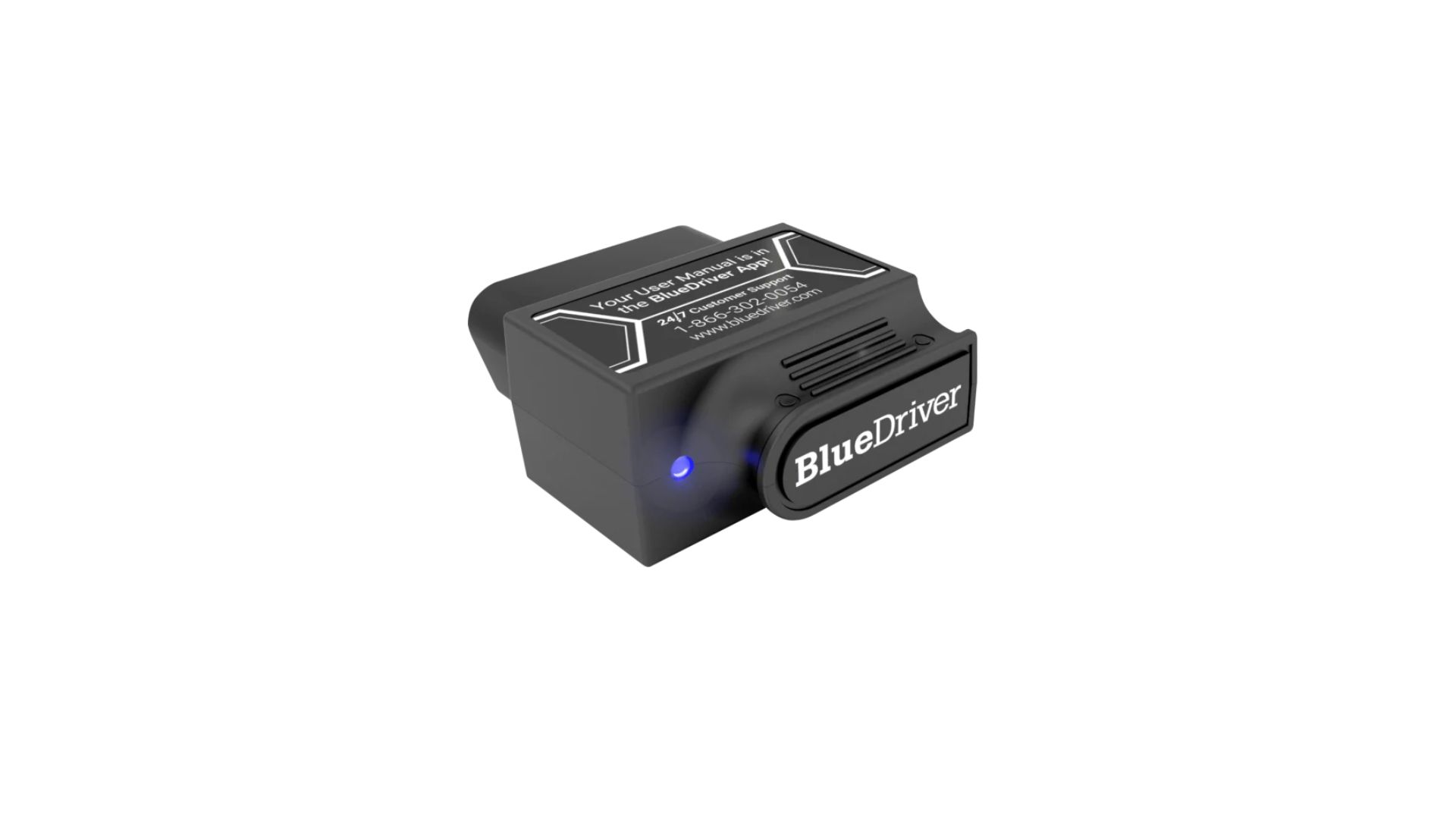
BlueDriver
BlueDriver is a Bluetooth adapter that plugs into the OBD2 port and does all its work through a phone app. It goes past a generic code reader by giving repair-shop-level code explanations and manufacturer-specific enhanced codes on many vehicles, according to the product’s own feature listing. That listing says it reads ABS, airbag, transmission and tire-pressure codes on supported makes, builds a repair report for each code with possible causes and reported fixes, and shows live data, freeze-frame data and smog-check readiness. It works with both iPhone and Android, and the company says there are no subscriptions or in-app add-ons. Because the phone supplies the screen, the hardware stays compact. The price, about $140 at this writing, is higher than a basic reader, so it makes the most sense if you plan to do more than read one code. Check the supported-makes list before you buy, since enhanced coverage starts at different model years for different brands.
Autel MaxiCOM / AutoLink
Autel covers more ground than any other brand here. The AutoLink line is made up of simple handheld code readers for home use, and the MaxiCOM line is tablet-style equipment used in independent repair shops. The higher-end models add bidirectional control, which means the tool can command a component to run a test instead of only reading data. That is a professional feature and it is priced like one. A first-time DIYer does not need it to diagnose a check engine light. The reason to start with Autel is the growth path. You can buy an entry-level AutoLink now and move up later without switching brands or learning a new way of working. Before buying any Autel model, check two things on the listing. The first is which vehicle systems it reads beyond the engine. The second is whether software updates stay free or require a paid subscription after an initial period, because that changes what the tool really costs over several years.
FIXD
FIXD is built for drivers with little or no diagnostic experience. It is a small Bluetooth sensor with a companion app that translates trouble codes into plain language and gives a sense of how urgent the problem is. The company’s FIXD FAQ says the free app reads more than 7,000 engine codes, clears the check engine light, shows live data and sends recall alerts. A paid tier, FIXD Premium, is listed at $99 a year and adds repair cost estimates and access to mechanics. You do not need the paid tier to read a code, so decide on that separately before you sign up for anything. FIXD leans toward helping you decide whether to see a mechanic, not toward walking you through the repair. That makes it a different tool from BlueDriver or Autel. If you mainly want to know whether the light means a five-dollar gas cap or an expensive repair, it is built for exactly that.
Foxwell
Foxwell sits in the budget-to-mid-range part of the market and makes handheld scan tools with a built-in screen. Nothing has to pair with a phone, there is no app to keep updated, and the tool can live in the glovebox and work in a parking lot with no signal. The range runs from basic code readers up to models with some bidirectional functions, and Foxwell is generally priced below comparable Autel units. With any handheld, read the coverage list closely. Mid-range scanners are often sold in several versions with similar model numbers, and coverage of systems such as ABS and airbags can vary from one version to the next and from one vehicle make to another. Make sure the one you pick covers your vehicle and the systems you care about. Also confirm how updates are delivered. Many handhelds need a computer and a USB cable or memory card to load new software, and that is easier to sort out before you need the tool in a hurry.
Innova
Innova has been in the consumer scanner market longer than most of the Bluetooth-app brands, and its handheld readers are sold widely through auto parts retailers and big-box stores. That retail presence matters when the light is on today and you do not want to wait for shipping. The Innova 5210 shows what the brand offers at about $100: check engine and ABS code scans, a battery and charging system test, live data and an oil light reset, on most 1996 and newer vehicles. The built-in screen means it works with no phone. If you want more help, Innova’s free RepairSolutions2 app connects to the scanner by Bluetooth and suggests verified fixes. The battery test is a useful extra for a beginner, because a weak battery or failing alternator can cause warning lights and odd electrical symptoms that look like bigger problems. Innova sells several models that look alike, so compare the feature list on the box, not the shape of the tool.
OBDLink MX+
The OBDLink MX+ is the pick for a DIYer who wants to choose the software. It is a Bluetooth adapter that works with iOS, Android and Windows, and the maker’s MX+ product page says it is supported by dozens of third-party apps in addition to its own free app. That open design is the opposite of BlueDriver or FIXD, which are tied to one company’s app. The MX+ also supports the SW-CAN and MS-CAN networks used on GM and Ford vehicles, which lets compatible apps reach modules that a generic adapter cannot see. OBDLink lists a sleep mode meant to protect the car’s battery if the adapter stays plugged in, plus a three-year warranty. At about $140 it costs as much as BlueDriver, so the choice comes down to how you want to work. If you want one app that explains everything, buy BlueDriver. If you expect to try enthusiast apps for your make, or log data on a laptop, the MX+ gives you more room.
Actron
Actron is one of the older names in consumer diagnostic tools, and its handheld code readers are commonly sold at auto parts stores. Like Innova, it needs no app and no phone. Actron’s tools sit toward the basic end of the market. They focus on reading and clearing codes and showing a definition, not on the bidirectional tests or deep manufacturer-specific data found on pricier tools such as Autel’s MaxiCOM line. For a first scanner, that is often enough. Most basic readers can still tell you three things worth knowing. The first is the code itself, which you can look up for your exact make and engine. The second is whether a code is stored or only pending, meaning the computer has seen the fault but has not confirmed it yet. The third is freeze-frame data, a snapshot of engine conditions at the moment the code set. Write all three down before you clear anything, because clearing the code erases that record, and a mechanic may want it later.
Ancel
Ancel sells budget handheld scanners, generally priced below Foxwell and well below Autel’s higher-end models, and it has grown mostly through online marketplaces. The entry-level units cover what a beginner needs for a first diagnosis, which is reading and clearing engine codes. Set expectations accordingly. A low-cost reader will not explain the repair, and it may not see ABS or airbag faults. It is still enough to check something that saves people a wasted trip, which is emissions readiness. Clearing codes resets the car’s self-test monitors, and until they finish running again the vehicle reports as not ready. Oregon’s vehicle inspection program explains that a car in that state has to be driven further before the monitors complete. The same agency warns that a flashing check engine light can point to a fault with the potential to damage emissions equipment. Do not clear that one and keep driving. Have it looked at first.