
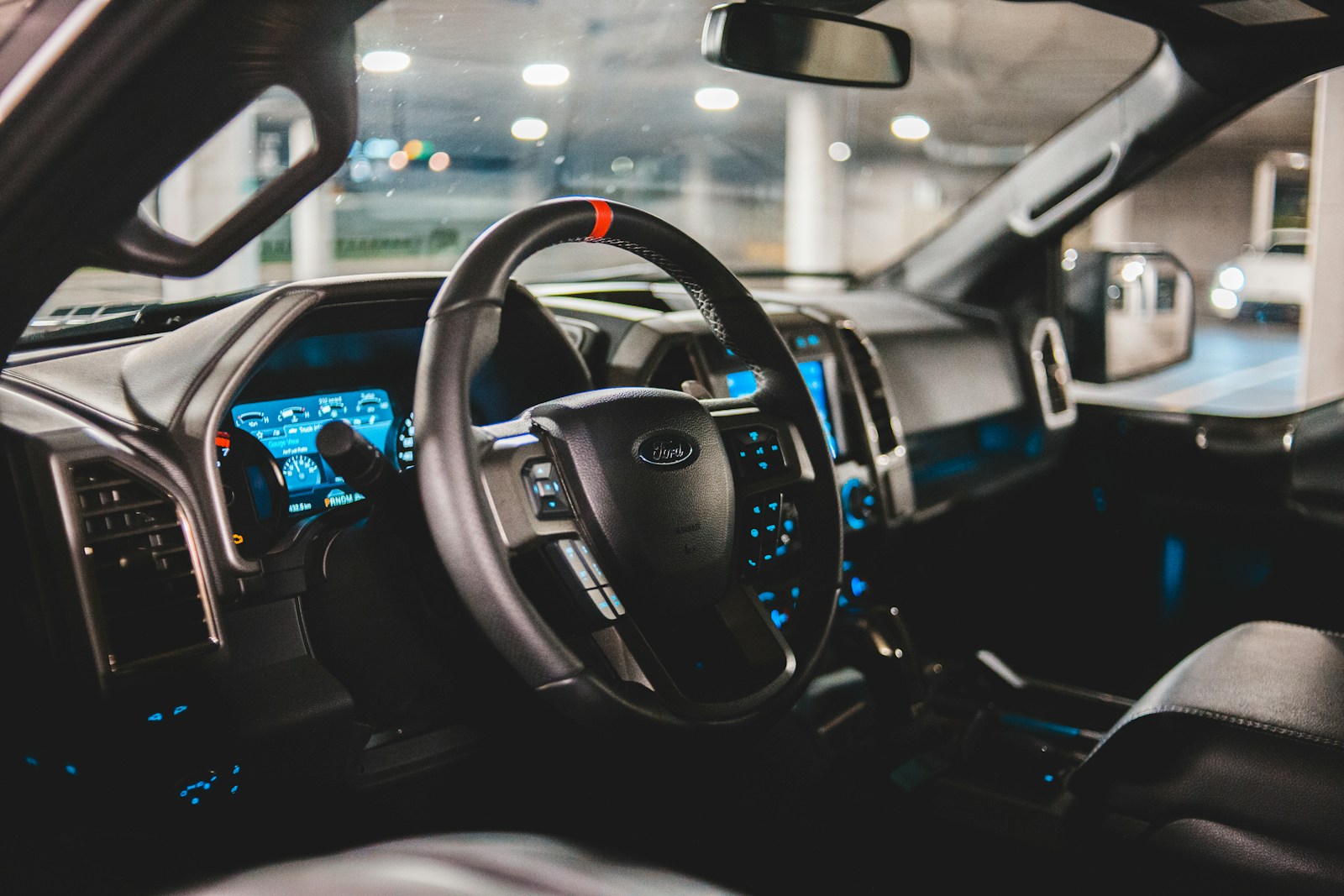

A frustrated truck owner is speaking out about his vehicle’s touchscreen interface, saying the digital controls force him to navigate through multiple menus just to adjust basic functions like heat and radio while driving. The driver’s complaint highlights a growing concern among motorists who find themselves distracted by touchscreen systems that have replaced traditional buttons and knobs in modern vehicles. What used to be a simple twist of a dial now requires looking at a screen and tapping through submenus.
His experience isn’t unique. Modern trucks increasingly feature large touchscreen displays that centralize everything from climate control to driving modes, following a trend that Tesla’s Model S popularized years ago. While automakers tout these screens as sleek and futuristic, touchscreens in cars raise safety questions that safety organizations are beginning to examine more closely.
The debate over digital versus physical controls continues to intensify as more drivers share their frustrations. Some have adapted to the technology, while others long for the days when they could adjust their truck’s settings without taking their eyes off the road. Research even shows that buttons beat touchscreens in cars, with data proving what many drivers already suspected about the drawbacks of screen-based controls.
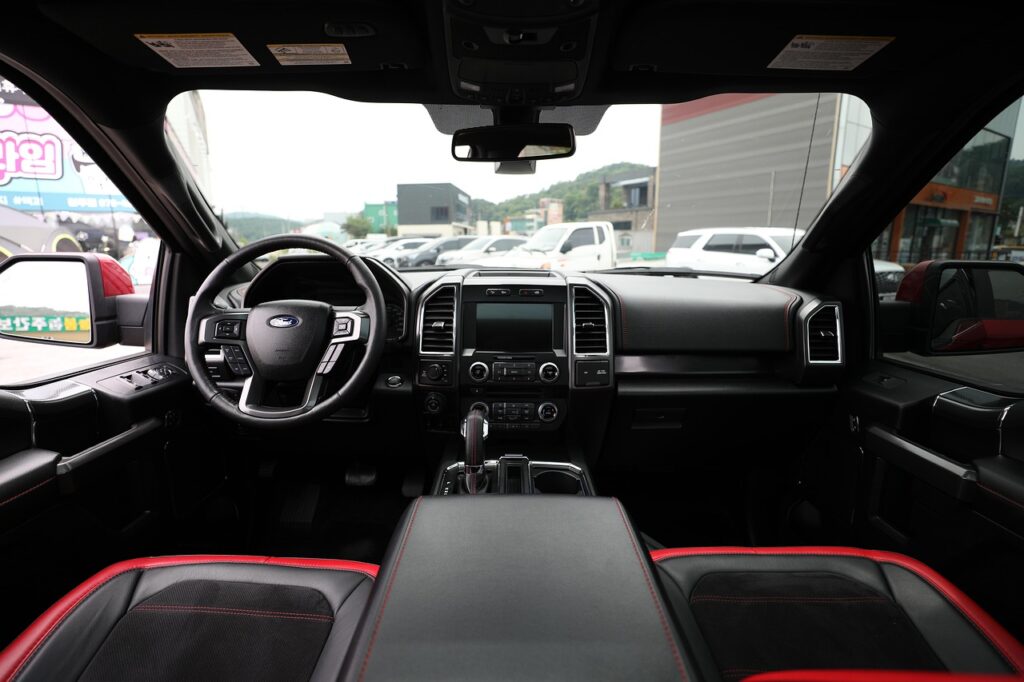
How Modern Truck Touchscreens Have Changed Driving
Truck infotainment systems have evolved from simple radios and cassette players to complex touchscreen displays that control nearly every vehicle function. This shift has fundamentally altered how drivers interact with their trucks, replacing tactile feedback with digital menus that demand visual attention.
From Buttons and Knobs to Touchscreen Menus
The transformation of truck cockpits represents a dramatic departure from traditional design. Modern truck infotainment systems feature large touchscreen displays that provide drivers access to navigation, communication, and entertainment options through a single interface.
Physical controls that drivers could operate by feel have largely disappeared. Tasks that once required a simple twist of a knob now demand multiple taps through layered digital menus.
Truck manufacturers are rethinking cab design to appeal to tech-savvy drivers with customizable displays and touch-based controls. Some systems include dual displays with screens ranging from 10.1 to 12.9 inches.
Expanded Controls: Climate, Audio, and Beyond
Automakers have replaced physical buttons with touchscreens across modern vehicles, consolidating functions that previously had dedicated controls. Climate adjustments, audio settings, and media navigation now live behind digital interfaces.
The consolidation means drivers access these everyday functions through the same screen. What used to be immediate adjustments now require navigating through multiple menu layers.
This approach affects routine driving tasks. Changing the temperature or switching radio stations involves looking at the screen, finding the right menu, and making precise touches while the vehicle is in motion.
Why Drivers Miss Physical Buttons
Research has quantified what many drivers already feel. A University of Washington and Toyota Research Institute study found that touchscreen interaction reduced pointing accuracy and speed by more than 58 percent compared to stationary conditions.
The same study revealed that lane deviation increased by over 40 percent when drivers used touchscreens. Touchscreen use dramatically degrades driving performance, confirming driver concerns about these systems.
Physical controls offered something touchscreens cannot replicate. Drivers could find buttons and knobs by touch without looking away from the road, maintaining better focus on driving conditions ahead.
The Good and Bad: Real-World Touchscreen Experiences
Drivers across the country are sharing similar frustrations with touchscreen-heavy vehicles, from climate control buried in submenus to glitchy displays that freeze mid-drive. These real-world experiences reveal both minor annoyances and serious safety concerns that manufacturers are only beginning to address.
Common Touchscreen Annoyances and Driver Distractions
The most frequent complaint involves basic functions hidden behind multiple taps. Adjusting the heat requires drivers to look away from the road, navigate to a climate menu, and precisely tap small icons. Volume control has become similarly complicated in many vehicles.
Research from the Vi Bilägre test demonstrates that touchscreen controls significantly increase the risk that drivers won’t see hazards in time to react. Some law firms have even started writing advisory notices about vehicles with these control systems. Drivers report that checking tire pressure warnings or adjusting settings demands far more attention than the physical buttons they replaced.
Studies show reaction times using screens while driving are worse than being drunk or high. The lack of tactile feedback means drivers can’t feel where controls are located, forcing them to glance down repeatedly while operating the vehicle.
Infotainment Glitches and Troubleshooting Basics
Touchscreen systems freeze, lag, or reboot unexpectedly during drives. One common issue involves displays going black for several seconds before restarting, leaving drivers without access to essential functions like defrosters or backup cameras.
Temperature controls sometimes fail to respond to inputs, requiring multiple taps to register commands. Radio stations switch randomly when screens become unresponsive to touch. Some drivers report their systems defaulting to maximum fan speed after software glitches.
Manufacturers typically recommend performing a hard reset by holding specific button combinations, though this varies by vehicle. Others suggest checking for software updates through the settings menu when parked. Many drivers discover these workarounds only after experiencing problems on the road, with no clear troubleshooting guidance in owner’s manuals.
Replacement Options: Fixes, Aftermarket Head Units, and VIN Considerations
Replacing factory touchscreens with aftermarket head units presents challenges in newer vehicles. Many systems integrate climate controls, safety features, and vehicle diagnostics directly into the infotainment display, making simple swaps impossible without losing functionality.
Aftermarket companies offer retrofit kits for some models, but compatibility depends heavily on the specific vin and year. These installations can affect warranty coverage and may require professional calibration to maintain features like backup cameras or steering wheel controls.
Some drivers opt for overlay systems that mount to existing screens, adding physical buttons for frequently used functions. Others accept the touchscreen limitations and develop workarounds, like presetting climate controls before driving or using voice commands despite their inconsistent performance.
More from Steel Horse Rides: