

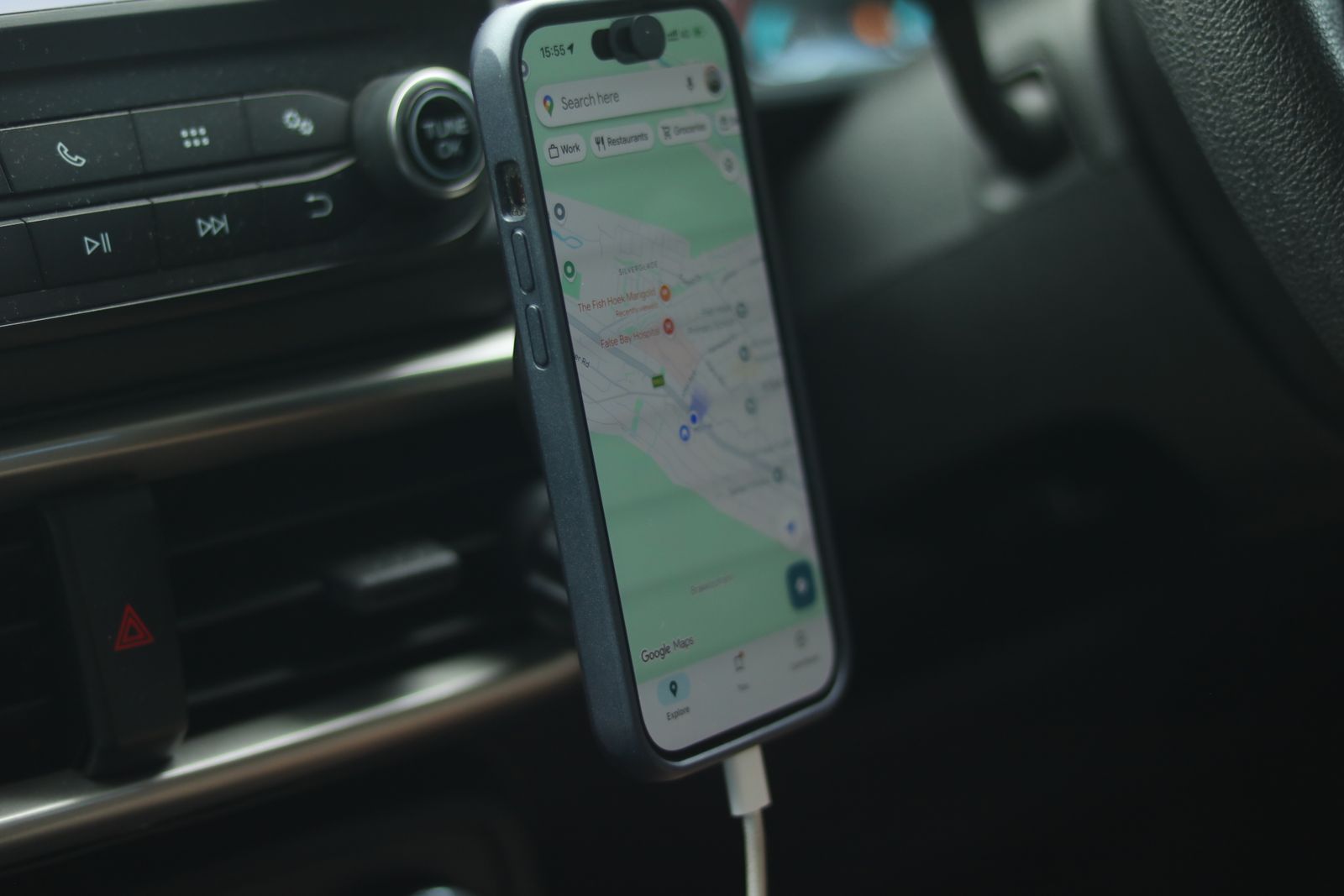
A phone mount only has one real job: hold your phone steady and visible so you’re not glancing down at a screen sliding around in your lap. When it fails at that job, even a small pothole or a hard stop can send a phone dropping into the footwell at exactly the wrong moment, which is its own kind of distraction and hazard.
Buyer complaints in retail review sections and hands-on reviews like TechGearLab’s car phone mount testing point to the same handful of mount types failing in predictable, avoidable ways. Here are nine situations worth checking before your next drive.
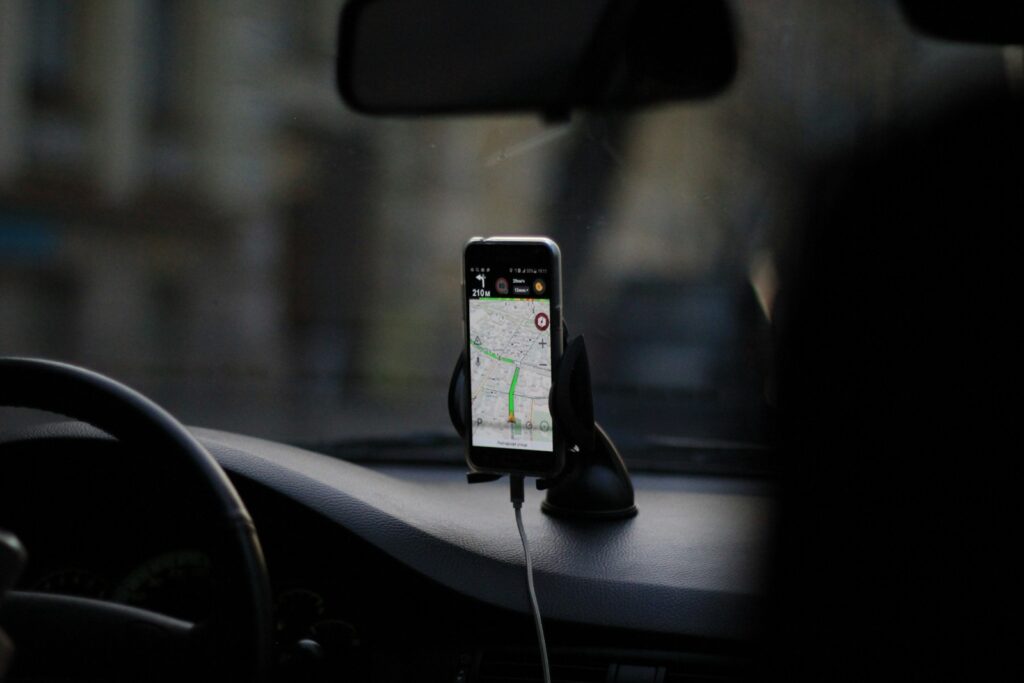
Suction-Cup Mounts on Textured or Curved Dashboards
Suction cup mounts need a smooth, flat, non-porous surface to hold a seal, and many complaints about this style trace back to using one on a heavily textured dashboard, a curved panel, or a spot baked by summer sun. The mount may be well made and still fail in the wrong vehicle. Even iOttie, whose mounts use a sticky gel cup designed to fill the air gaps on textured dashboards, says its cups stick to most noncurved textured surfaces, which leaves curved panels out. When a gel cup stops holding, the company’s fix is to rinse it with warm water while massaging it, then let it air dry. Before buying, press a hand flat on the spot you plan to use. If you can feel a crown or a deep grain, plan on a different location or a different mount style. Wipe the spot clean and dry it first, because dashboard protectant sprays leave a slick film that breaks the seal.
Vent-Clip Mounts on Thin or Angled Vents
Vent-clip mounts attach to an air vent’s slats, which works well on some vehicles and poorly on others depending on slat thickness, spacing and angle. Thin plastic slats can bend or crack under clamping pressure, and angled vents can let the whole mount sag forward under a phone’s weight. This is a compatibility mismatch more than a defect. TechGearLab’s testers found that one vent mount they tested is not compatible with vertical or larger slotted vents, and noted that vent mounts in general keep the phone close to the driver but can block airflow. Round vents are another trouble spot, since most clips are built for straight horizontal slats. Look for a clip with a hook that braces behind the slat and a foot that rests against the dash below, which takes some of the load off the slat itself. In winter, close that vent or aim the heat elsewhere, because hot air blowing on the back of a phone for an hour warms the battery.
Adhesive-Only Mounts in High-Heat Climates
Mounts that rely purely on an adhesive pad rather than a clamp or clip are vulnerable to heat, since a dashboard in direct sun can soften the adhesive enough to let the mount slide or let go. Surface prep is the other half of the problem. In TechGearLab’s testing, one adhesive dash mount fell off the dashboard right away even though the tester followed the directions, which dragged down its stability score. To give a pad its best chance, clean the spot with an alcohol wipe to strip off any protectant, press the pad down firmly, and follow the maker’s instructions on how long to let it set before hanging a phone on it. Soft-touch and leather-wrapped dashboards are poor candidates, because the adhesive may mark the finish when you remove it. If your summers are routinely very hot, a mount with a mechanical anchor is the safer buy, and a windshield sunshade helps any adhesive last longer.
CD-Slot Mounts in Vehicles Without a Sturdy Slot Mechanism
CD-slot mounts use the disc player’s opening as an anchor, with a blade that slides into the slot and expands when you tighten a thumbscrew. That works in a vehicle with a sturdy slot, but can feel wobbly or loosen over time where the opening is lighter-duty. Since fewer new vehicles include a CD player at all, this style increasingly ends up in older vehicles where the slot may already show wear. Before buying, look at what sits around the slot. The mount and phone will hang in front of whatever is directly above or below it, which in many cars is the radio display, the volume knob or the climate controls, and reaching around a phone to change the fan speed is its own distraction. Do not leave a disc in the player, and do not overtighten the screw; snug is enough. If the mount still rocks when you tap the phone, the slot is not a good anchor in that car.
Magnetic Mounts With Underrated Magnet Strength for Heavier Phones
Magnetic mounts have grown popular alongside larger, heavier smartphones, but some budget models use magnets too weak for the load, which shows up as a phone slowly sliding or rotating on a bumpy road rather than an obvious failure. Check the mount’s stated maximum weight against your phone’s weight including its case. The case matters in another way too: a thick or rugged case puts distance between the magnets, and holding force drops quickly with distance. If the mount relies on a stick-on metal plate, put the plate on the outside of the case or under a thin one. Charging adds a second caution. Apple warns that magnetic mounts, magnetic cases or other objects placed between an iPhone and a wireless charger can reduce performance or damage magnetic strips and RFID chips such as those in credit cards and key fobs, so take cards out of a wallet case before using a magnetic charging mount.
No-Name Mounts With No Listed Manufacturer
Marketplace listings with no identifiable manufacturer, only a generic product title, make it hard to research a track record before buying or to pursue a warranty claim if the mount fails. Many nearly identical mounts are sold under rotating seller names, so a design with poor reviews can reappear under a new listing. A few checks take two minutes. Search the brand name outside the marketplace and see whether a company website with a support page and a contact address exists. Look for a stated warranty period and a model number written in the listing text, not just shown in the photos. Read the three-star reviews, which tend to describe specific faults, and check whether the reviews describe the same product or a different item that once shared the listing. Price is a weak signal either way, but a named maker gives you someone to contact when a clamp arm snaps or a suction base stops holding, and a replacement part is often all you need.
Mounts With Ball-Joint Arms That Loosen Over Time
Many mounts use an adjustable ball joint so drivers can angle the phone, and the tightening collar on budget versions can wear faster than expected, leaving a mount that slowly droops or rotates while driving. It is a gradual failure that is easy to miss until the phone is sagging toward the floor. Check it the same way each time: set the angle, tighten the collar by hand, then push on the top edge of the phone with one finger. If it moves, it will move on a rough road. Heavier phones and long extension arms make it worse, because the weight sits farther from the joint and has more leverage on it. Keeping the arm short and the phone close to the base reduces the load. Plastic collars can crack if you tighten them with pliers, so hand-tight is the limit. If a joint will not hold after retightening, the socket is worn and the mount needs replacing; tape or a rubber band is only a temporary fix.
Windshield-Mounted Devices in States That Restrict Them
Several states restrict or ban devices mounted on the windshield where they can block the driver’s view, and the rules vary in ways that are rarely printed on a mount’s packaging. California shows how specific they can get. Its vehicle code allows a portable GPS device only in a seven-inch square in the lower corner of the windshield farthest from the driver, or in a five-inch square in the lower corner nearest the driver, and outside any airbag deployment zone. A mount stuck in the middle of the glass at eye level would not fit either box. Buying a windshield mount without checking your state’s law can mean a citation even if the mount performs flawlessly. Look up your state’s vehicle code or DMV guidance on windshield obstructions before you buy, and check again before a road trip across state lines. Where the rules are strict or unclear, a dashboard or vent mount is the safer default.
Mounts Bundled With Wireless Charging That Generates Excess Heat
Mounts that combine a holder with built-in wireless charging add heat, and some budget versions manage it poorly, particularly in a hot cabin where the phone is already soaking up sun. The phone protects itself when that happens. Apple says an iPhone may get slightly warmer while it charges wirelessly, and that if the battery gets too warm, software may limit charging above 80 percent until it cools. On a long summer drive, that can mean arriving with less charge than expected, which defeats the purpose of the feature. Placement helps: a charging mount on a vent with the air conditioning running stays cooler than one on top of the dashboard in direct sun. Take off thick cases and line the phone up squarely on the pad. Some charging mounts include a small fan or other active cooling, which is worth looking for if charging is the main reason you are buying. If the phone still runs hot, a plain cable is the cooler option.